Facebook · Privacy & trust
Another Facebook privacy story? Get your photos out today
Prefer a click-by-click walkthrough with screenshots? See the full guide →
Why this feeling keeps coming back
It's not just you. Meta has changed how it uses your data more than once with little warning — new AI-training terms, new sharing arrangements, a policy update buried in a settings page. Every time a story like this breaks, a wave of people go looking for the same thing: a way to get their own photos and videos out from under a company whose rules keep changing.
You don't need to decide right now whether you're leaving Facebook for good. You just need your memories to stop being something only Meta controls.



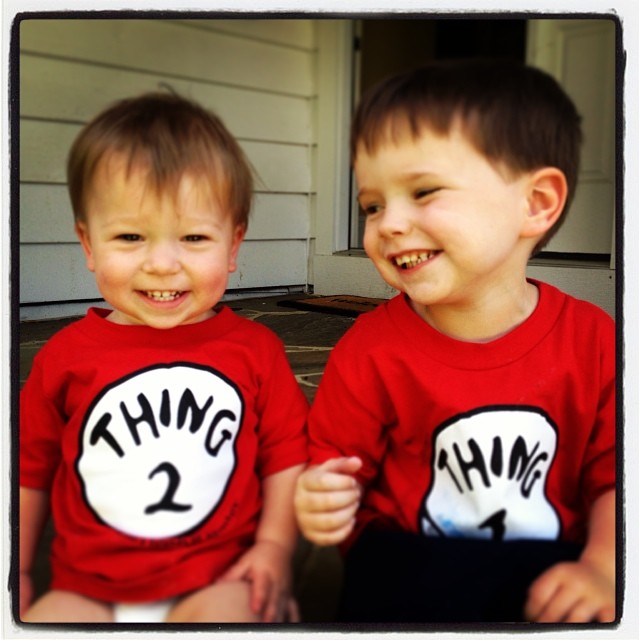
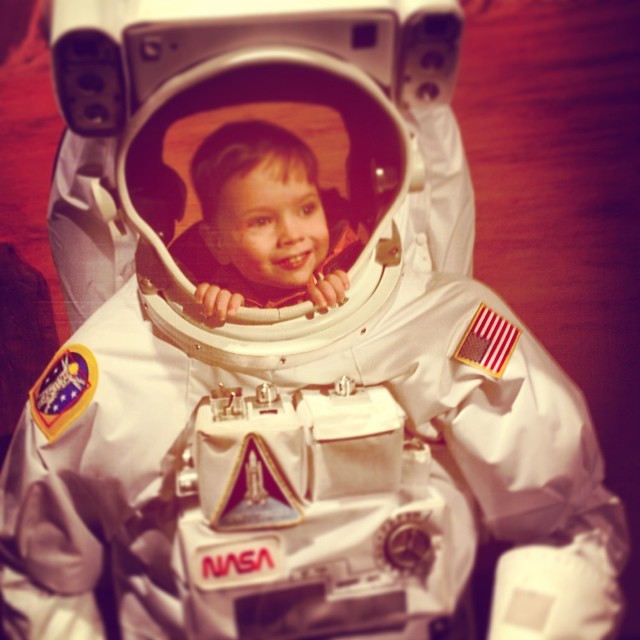

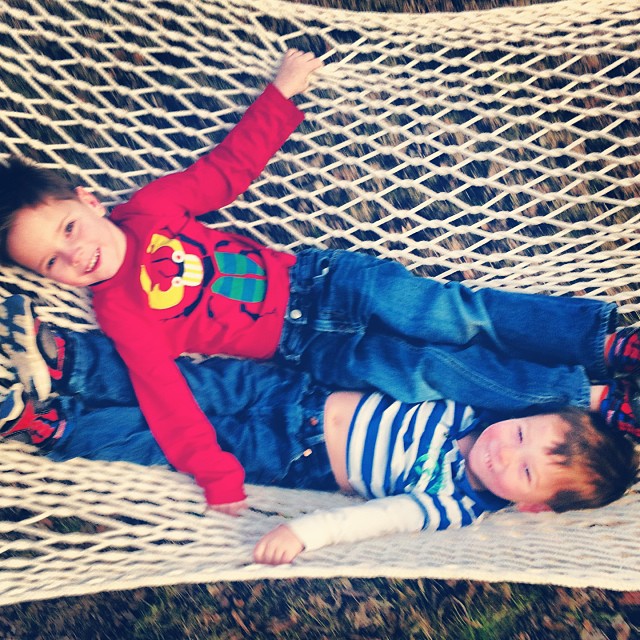
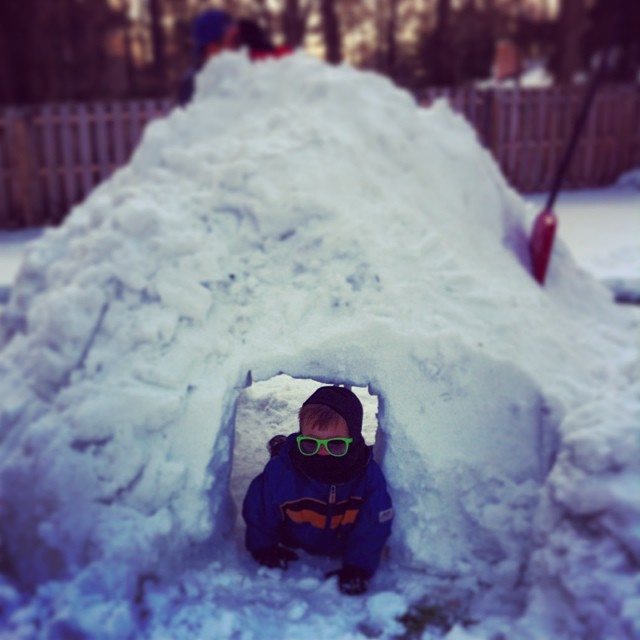
Your years on Facebook, kept somewhere only you control.
Get your photos out — starting now
- Open Accounts Center. On a computer, go to Settings & privacy → Settings → Accounts Center (or visit accountscenter.facebook.com).
- Find "Your information and permissions." Then click Download your information.
- Create the export. Choose your profile, set Date range to All time, Format to HTML (easiest to browse) or JSON, and Media quality to High.
- Select Photos and videos. Deselect everything else if you only want your media — a smaller, faster export.
- Submit and wait for the email. Facebook usually delivers within a few hours; large archives can take a day or two. The download link expires after a few days, so grab it promptly.
- Download the ZIP on a computer — and confirm it's complete. Large archives arrive as several ZIP files; download all of them and open one to check your photos and videos are really there before you decide anything else.
Want the detailed version with screenshots? See our full guides on how to download all your Facebook photos and how to request your archive step by step.
Before you hand your photos to anyone else, ask the question
If a privacy story is what brought you here, you're right to be careful about where your photos go next — including with us. Fair question, so here's a plain answer:
What everkept does with your photos
- Your archive is used only to build your own private gallery.
- We never sell, share, or train on your photos — not for AI, not for anything else.
- Only you can access your gallery.
- You can download a full copy or delete everything, any time.
- One-time price, no subscription, no recurring access to your data.
The export you just requested is a mess of nested folders with the dates often stripped out. everkept turns it into one private gallery — organized by year and by the people in it — with the dates restored. Free to preview; pay once, only if you want to keep it.
Common questions
Does Meta use my Facebook photos to train AI?
Meta has used public posts and photos from adult users to train its AI models in some regions, and its policies on this have changed more than once with little notice. If you don't want your photos used this way going forward, the safest move is to get a full copy of them out of Facebook's systems and into your own hands, where you control what happens next.
Will downloading my photos remove them from Facebook's servers?
No. Downloading your export gives you your own copy — it doesn't delete anything from Facebook. If you want your photos off Meta's servers entirely, you need to separately delete your account (or the photos) after you've confirmed your download is complete and correct.
Is it safe to upload my export to another company after a privacy scare?
That's the right question to ask, especially right after a trust breach. everkept never sells, shares, or trains on your photos — your archive is used only to build your own private gallery, and you can download a full copy or delete everything at any time. You're the only one with access.
What should I do right now if I'm losing trust in Facebook?
Download your full data export before you do anything else — deactivate, delete, or just step back. That's the one step that can't be undone later if you skip it. Everything else (leaving the platform, deleting your account, cutting back on use) can happen on your own timeline once your photos and videos are safely in your hands.
Your memories don't have to live under someone else's rules
Download your export, then see it turned into one private gallery — organized by year and by person, free to preview.
See your gallery free →No password needed · Never sold, shared, or used to train AI · One-time price, no subscription