Facebook · After the download
What to do with your Facebook archive after you download it
Haven't downloaded your archive yet? See the full step-by-step guide →



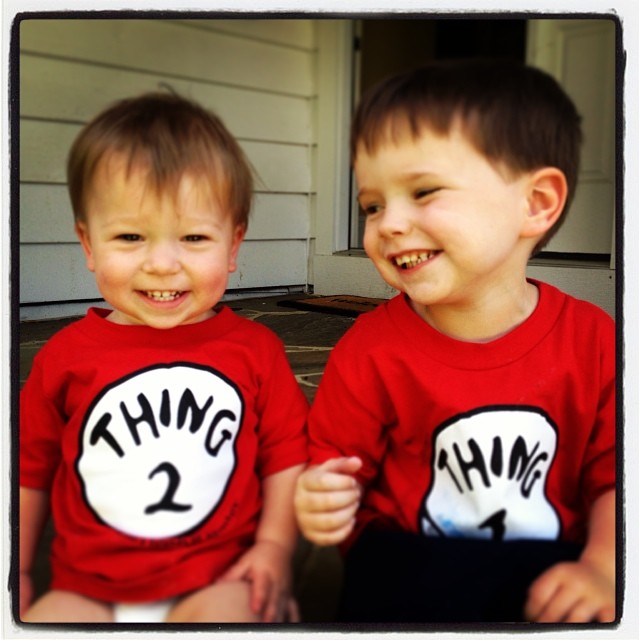



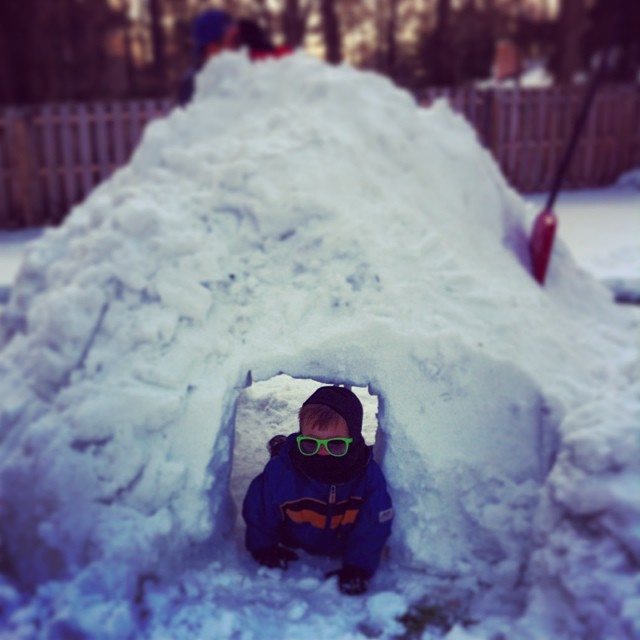
Your archive, turned into one gallery — organized by year and by the people in it.
What's actually inside the archive
When you unzip the file Facebook sends you, you don't get a tidy photo folder. You get a complete data export built for completeness, not for browsing. Your media is unpacked into nested folders — typically split across places like posts, albums, and messages — often with cryptic filenames, and with videos sitting apart from photos.
If you chose the HTML format, there's an index file you can open in a browser, but it's a plain list, not a gallery you'd want to sit and look through.
Why it's hard to use as-is
- The dates are often stripped. The original capture dates frequently don't survive the export, so your files can show the export date instead of when the photo was actually taken. That breaks any attempt to sort by time.
- Photos and videos are separated. A moment that included a photo and a clip ends up in two different places, so your memories don't sit together.
- Everything is buried in folders. A decade of memories spread across dozens of subfolders is exhausting to dig through — and easy to abandon.
- There's a lot you don't want. The archive also contains data that isn't photos at all, which you have to wade past to find your media.
Your options from here
Option 1 — Organize it by hand
You can copy all the media out of the nested folders into one place, then sort it into year folders yourself. This is free and keeps everything on your own computer. The downside is the work: it's slow, the missing dates make sorting guesswork, and grouping your photos and videos by the people in them is essentially impossible to do manually at any scale.
Option 2 — Back it up to the cloud as-is
You can drop the whole unzipped archive into a cloud drive so it's safe. That solves "don't lose it," but not "actually enjoy it" — it's still a folder mess, just a backed-up one.
Option 3 — Turn it into a gallery automatically
This is the part the download guides skip. Upload the ZIP to everkept and you get one private gallery — every photo and video together, organized by year and grouped by the people in them, with the dates restored. No folder-digging, no manual sorting. Free to preview; one-time price to keep it, no subscription.
Common questions
What's inside the Facebook archive ZIP?
Your photos and videos, plus a lot of other data, unpacked into nested folders. The media is split across folders like "posts", "albums", and "messages", often with cryptic filenames. Photos and videos sit apart from each other, and the layout is built for completeness, not for browsing.
Why are the dates on my Facebook photos wrong or missing?
Facebook's export often strips or scrambles the original capture dates, so the files can show the export date instead of when the photo was actually taken. The real dates are usually recorded elsewhere in the archive, but they're not embedded in the image files in a way your computer reads automatically.
Do I have to keep the whole Facebook archive ZIP?
No. Most people only want the photos and videos. You can pull the media out of the folders and discard the rest, or upload the ZIP to a tool like everkept that organizes the photos and videos into one gallery for you.
How do I organize my Facebook archive without doing it by hand?
Sorting nested folders by hand is slow and tedious. everkept reads your archive, restores the dates, and arranges everything into one gallery organized by year and by the people in your photos — photos and videos together. Free to preview, one-time price, no subscription.
Turn your Facebook archive into a gallery you'll keep
Upload your ZIP and see your photos and videos organized by year and by person — free to preview.
See your gallery free →No password needed · Your files are private and deleted after 30 days unless you keep your gallery · One-time price, no subscription